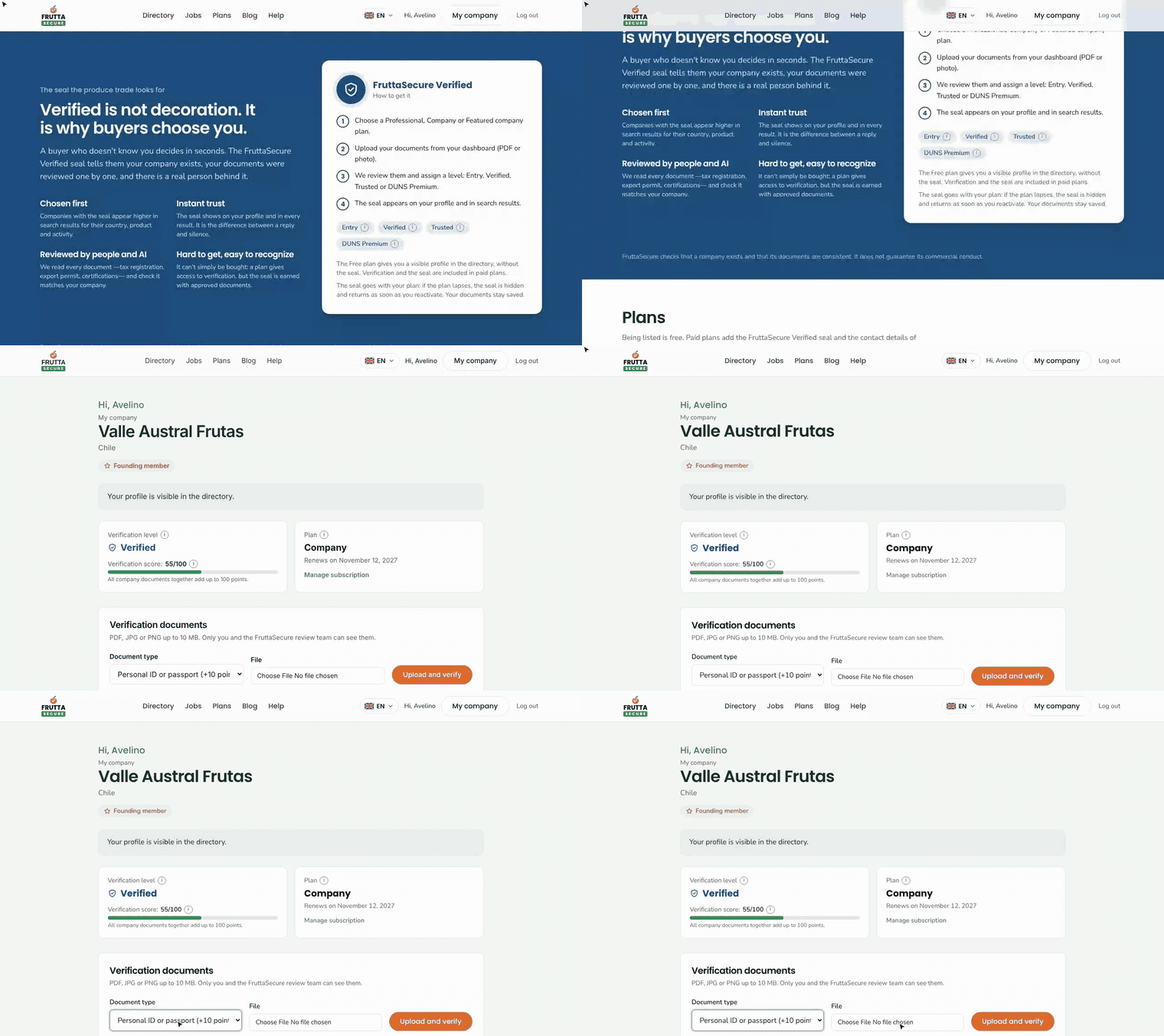
With a paid plan, upload your documents and earn the FruttaSecure Verified seal.
Animation with sample data.
Step by step
1
Choose a Professional, Company or Premium plan.
2
In your dashboard, under “Documents”, choose the document type and upload the PDF or a photo (up to 10 MB).
3
We review each document and it adds points. Points set your level: Entry, Verified, Trusted or DUNS Premium.
4
Once you have a level, the seal shows on your profile and in search results, and you can download your seal kit from your dashboard for your email signature, website and LinkedIn.