
← All tutorials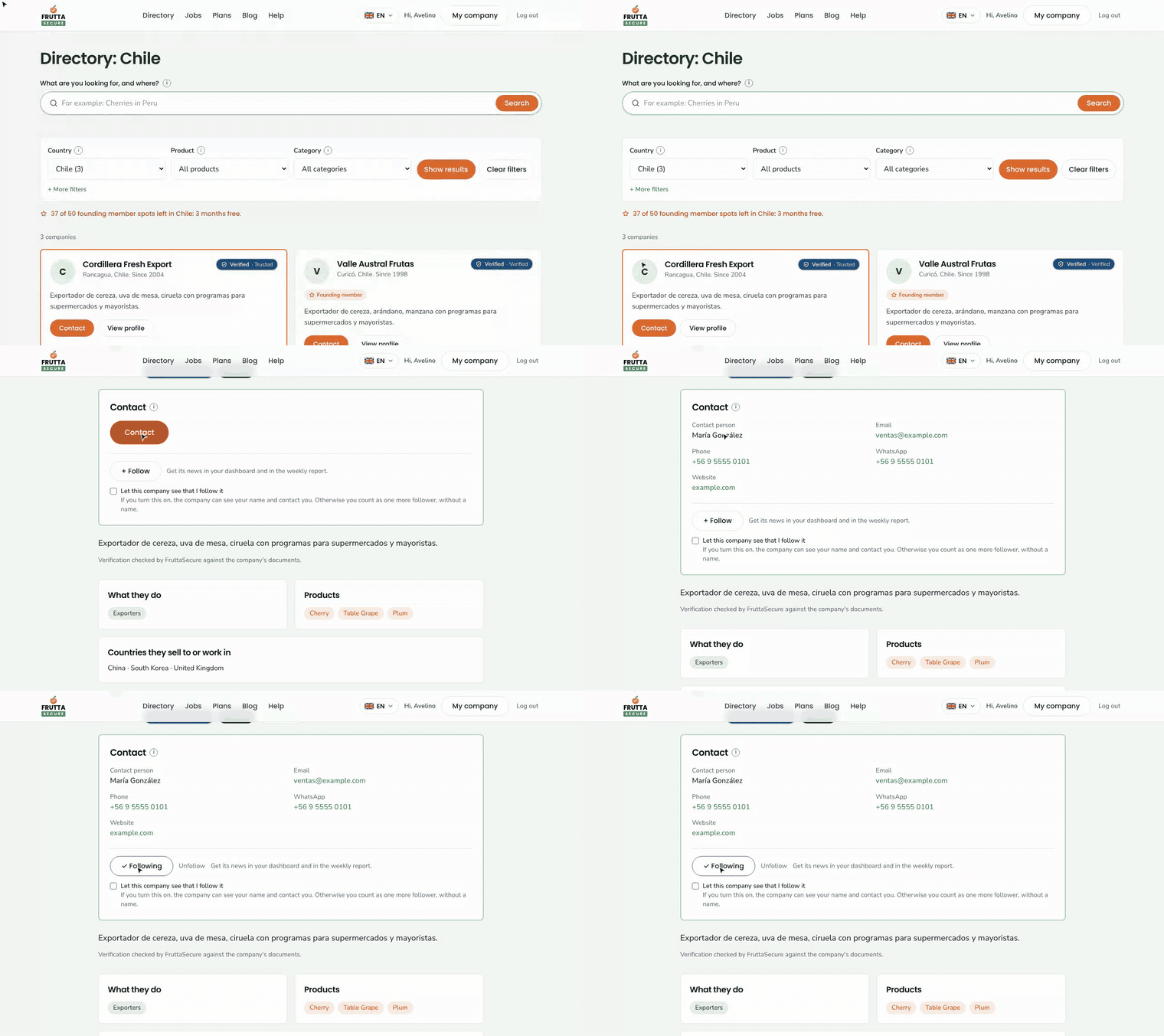
Animation with sample data.
Contact and follow companies
From a company profile, contact it directly or follow it to get its updates.
Step by step
- 1
Open the company's profile from the directory.
- 2
Click “Contact” (orange button). With a paid plan you see its email, phone and WhatsApp.
- 3
To get its updates, click “Follow”. You choose whether the company sees your name.
- 4
The companies you follow are listed in your dashboard, under “Companies I follow”.