← All tutorials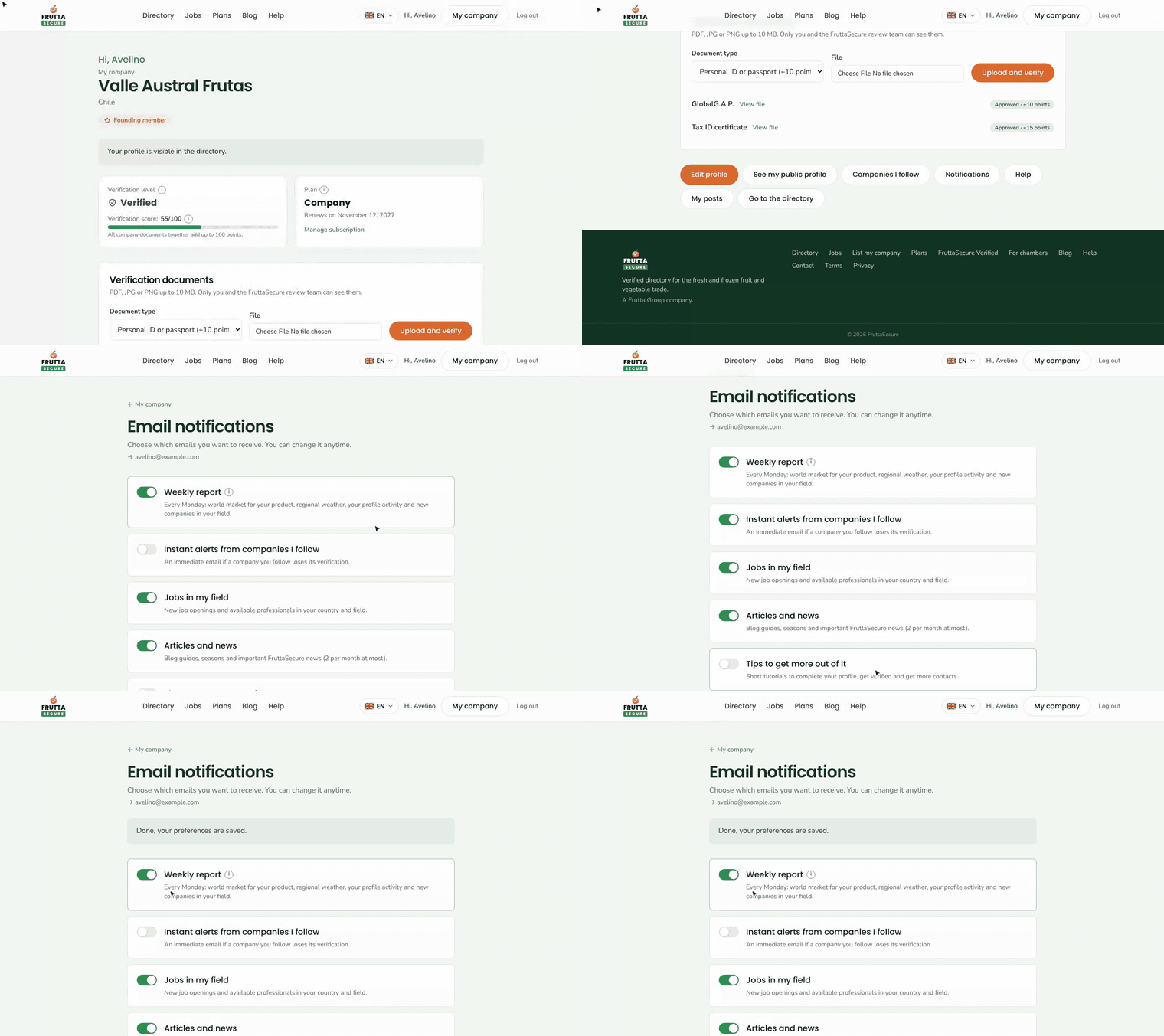
Animation with sample data.
Choose which emails you get
Turn the weekly report, alerts, jobs and news on or off.
Step by step
- 1
Go to your dashboard (“My company”) and click “Notifications”.
- 2
Turn each email type on or off with its switch.
- 3
Press “Save preferences”.
- 4
Account and security emails (sign-in codes, payments) are always sent.