
← All tutorials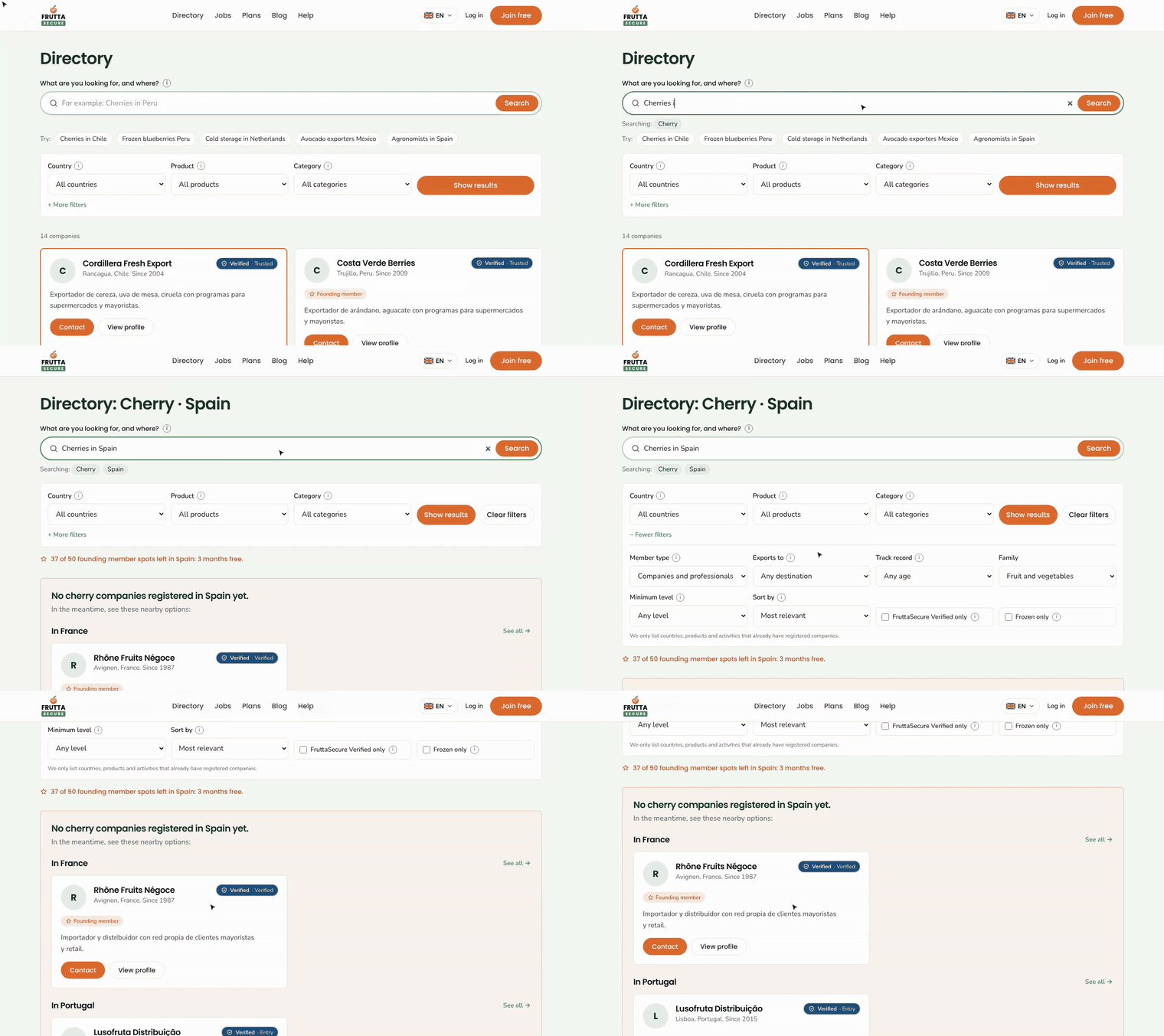
Animation with sample data.
Use filters and see nearby options
Refine by company type, export destination, track record, frozen or seal.
Step by step
- 1
In the Directory, choose a country, product or activity. Only options with registered companies are listed, with the count in brackets.
- 2
Open “More filters” to choose: companies or professionals only, export destination, years in business, frozen only or seal only.
- 3
Hover the “i” circle next to each filter to see what it does.
- 4
If there are few companies in that country, we show companies from nearby countries and related products or activities.